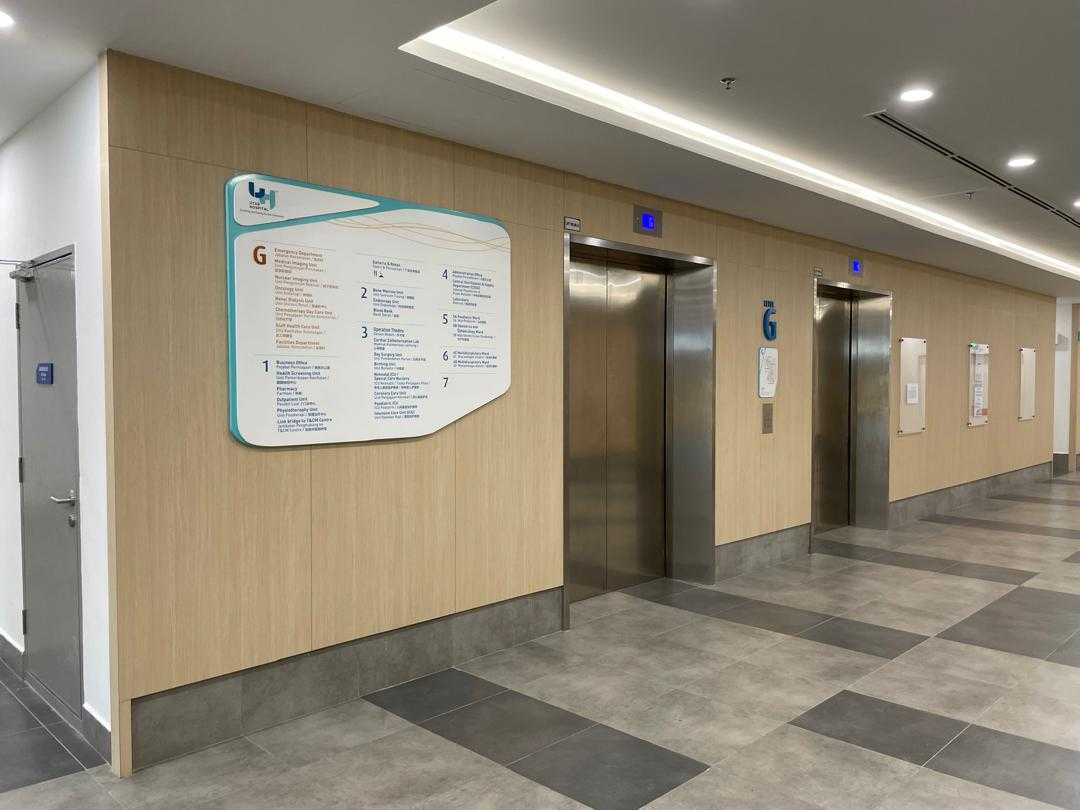
A Guide to Designing Hospital Wayfinding
by Azrul Ahmad, Sales & Marketing Director
In the intricate maze of hospital corridors and wings, finding one's way can often feel like embarking on a daunting quest. Yet, effective wayfinding is not merely about guiding patients, visitors, and staff from point A to point B, it's about instilling confidence, reducing stress, and ultimately improving the overall healthcare experience. With meticulous planning and thoughtful design, hospitals can create wayfinding schemes that seamlessly navigate individuals through their complex environments. Here's how to design hospital wayfinding schemes that prioritize clarity, accessibility, and ease of navigation.
1. Understand the Unique Challenges
Hospitals are bustling hubs of activity, housing multiple departments, clinics, wards, and amenities under one roof. Recognize the diverse needs of various user groups, including patients with mobility issues, elderly individuals, visitors under stress, and medical staff on tight schedules. Consider factors such as varying levels of health literacy, language barriers, and emotional states when designing your wayfinding system.
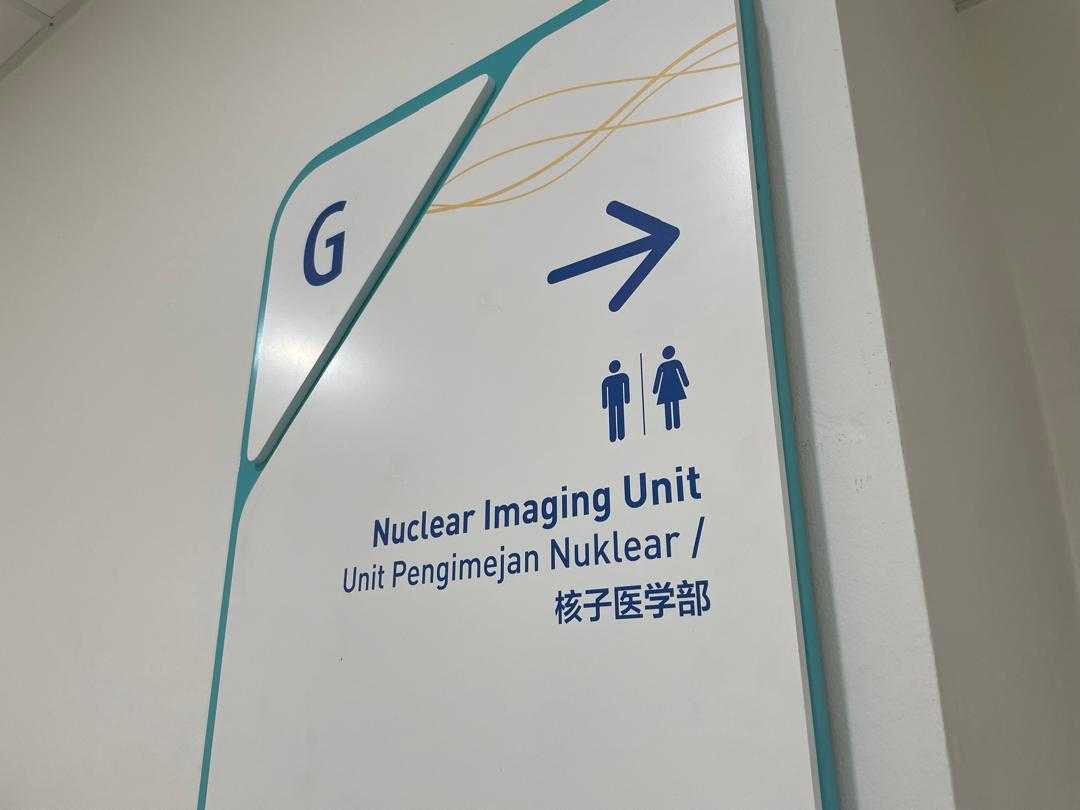
2. Conduct a Comprehensive Assessment
Begin by conducting a thorough assessment of your hospital's layout, including building entrances, exits, elevators, staircases, corridors, and key destinations such as emergency rooms, clinics, labs, and administrative offices. Identify high-traffic areas, potential bottlenecks, and points of confusion. Gather feedback from patients, visitors, and staff to understand their wayfinding challenges and preferences.
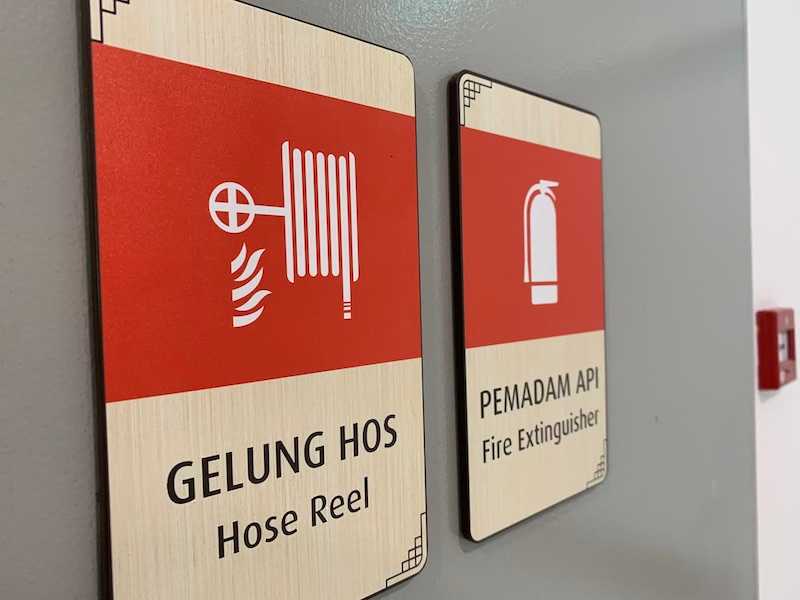
3. Establish Clear Hierarchy and Consistency
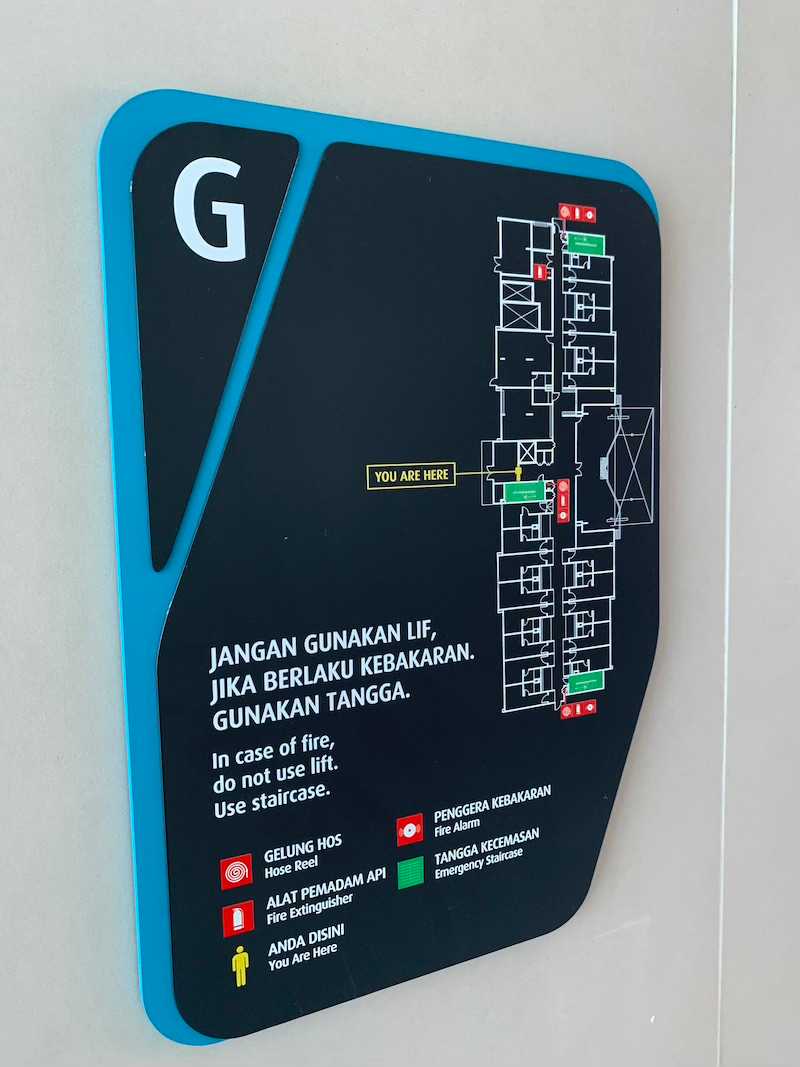
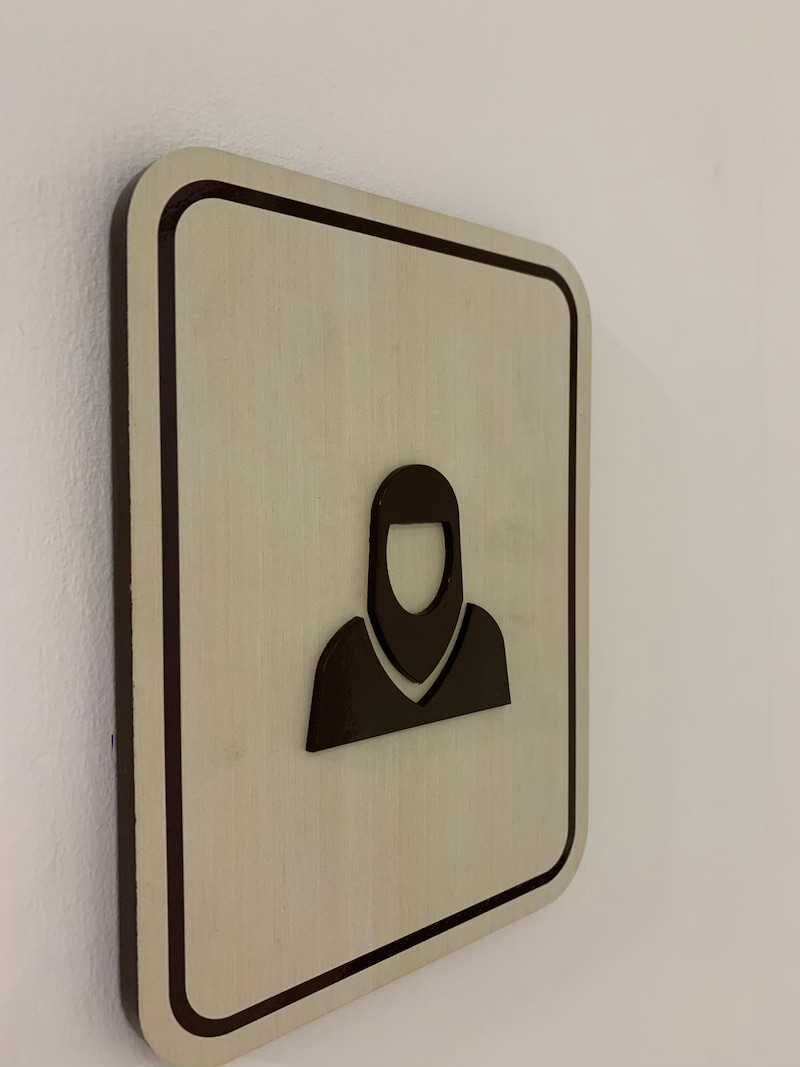
Develop a clear hierarchy of signage elements, with primary signs directing users to major destinations and secondary signs providing additional guidance within specific areas. Ensure consistency in signage design, including typography, color schemes, icons, and symbols, to create visual coherence and aid recognition. Use universally understood symbols alongside text to accommodate diverse language and literacy levels.
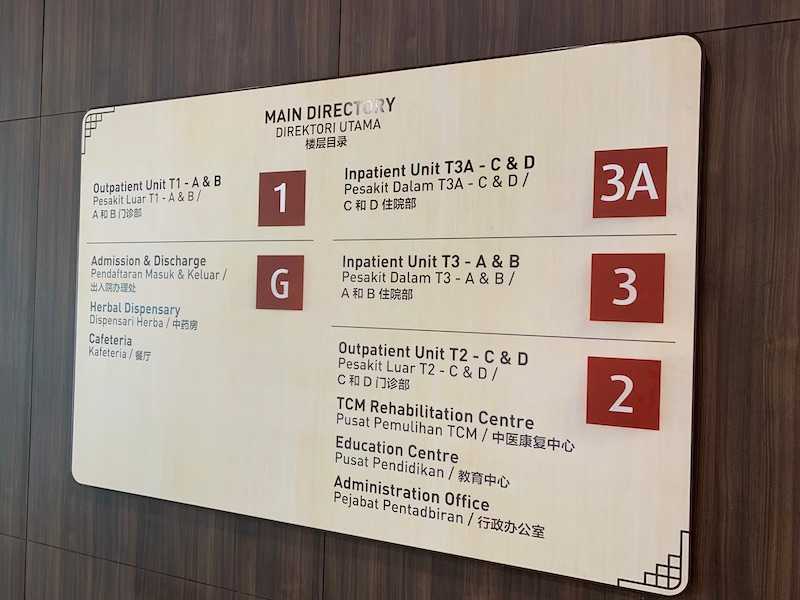
4. Prioritize User-Centered Design
Put yourself in the shoes of your users and design your wayfinding system with their needs in mind. Opt for intuitive navigation cues such as color-coded pathways, directional arrows, and clear signage placement at decision points. Incorporate tactile and auditory elements for users with visual impairments, such as braille signage and audible cues at intersections.
5. Embrace Technology as a Tool
Leverage technology to enhance your wayfinding scheme and provide real-time assistance to users. Consider implementing digital signage, interactive kiosks, mobile apps, and wayfinding software that offer personalized navigation instructions, step-by-step directions, and dynamic updates on facility status and wait times. Ensure that digital solutions are user-friendly, accessible, and compatible with assistive technologies.
6. Test, Iterate, and Improve
Pilot test your wayfinding scheme in select areas of the hospital to evaluate its effectiveness and identify areas for improvement. Solicit feedback from users through surveys, focus groups, and observation studies to gauge usability, comprehension, and satisfaction. Iterate on your design based on user input, making adjustments to signage placement, messaging clarity, and navigational aids as needed.